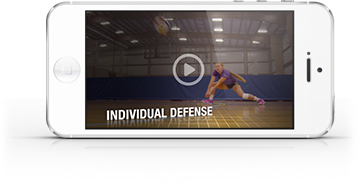
Now you can save and organize your favorite Art of Coaching Volleyball content!
Here's how:
Step 1 - Login
Log into your account here: Member Login
If you don't have an account click here: Account sign up page
Step 2 - Find Content
Start browsing the site for your favorite content.
Step 3 - Add to Playlist
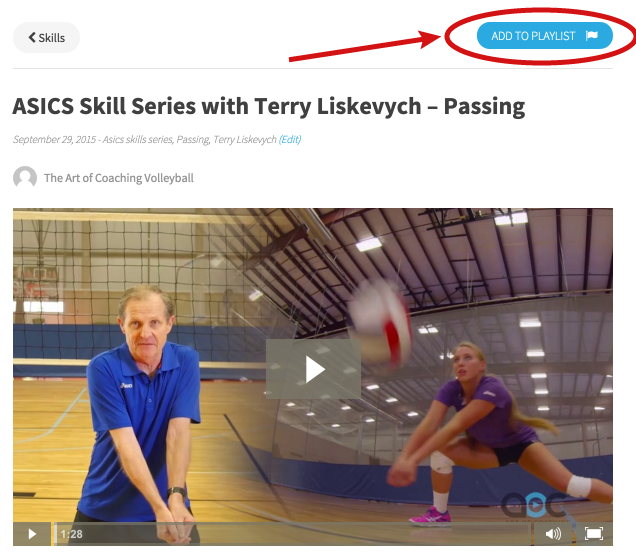
Once you find a video you would like to save, click on the green “Add to Playlist” button.
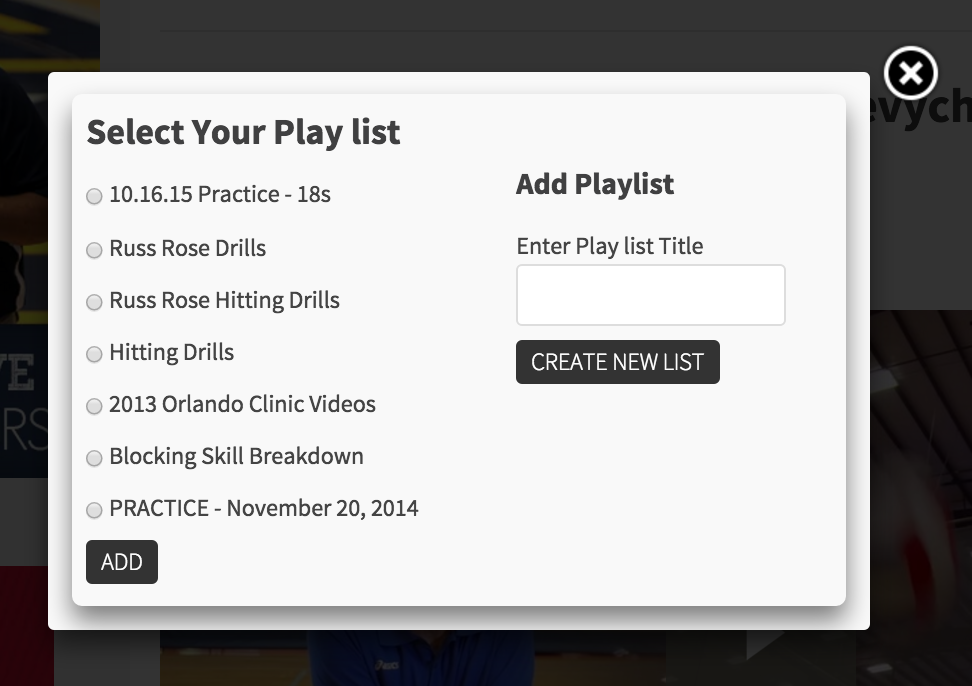
After clicking the "Add to Playlist" button, the following box will pop up on your screen which will allow you to “Create New List”. Your new play list will pop up on the left hand side. Click the radio button for the play list you wish to add the video or article to, then click “Add”.
Step 4 - Access Your Play List Anytime
To access your play list content, click on the “PLAY LIST” button at the top of any page.
Make sure you're logged into your account
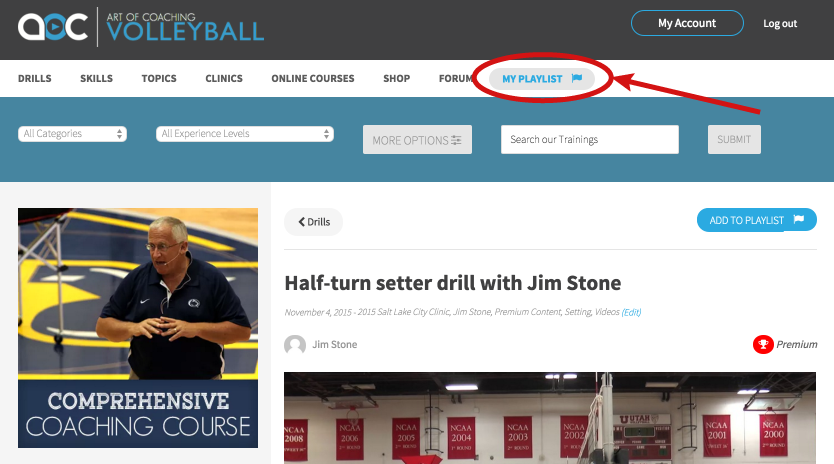
This will take you to your personalized play list page. By clicking on any of your play lists, you can see and access the videos that you have placed there.
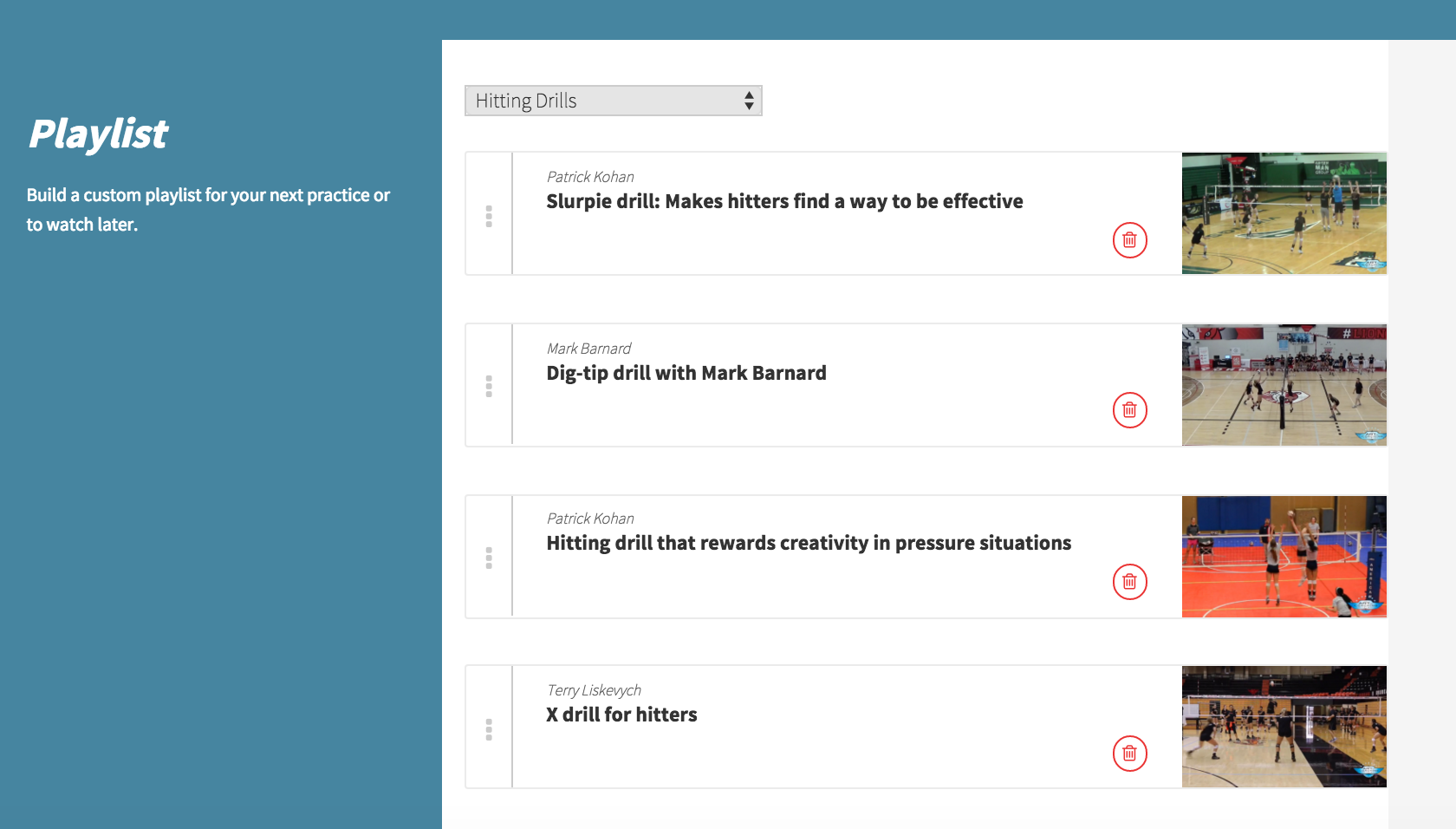
Step 5 - Edit your list
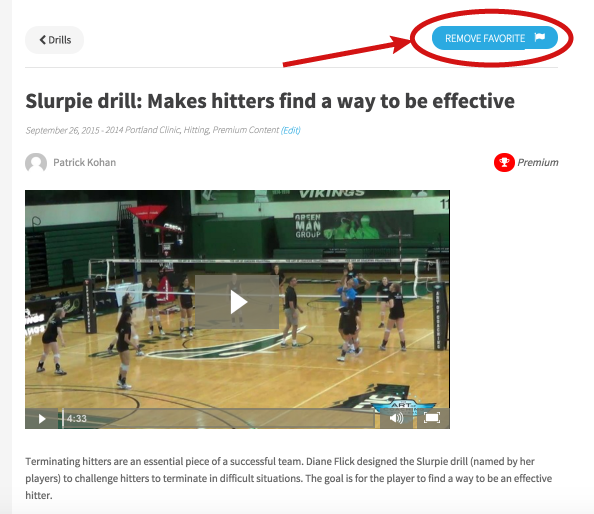
At any time you can remove an item from your play list simply by clicking the red “Remove” button that appears at the top of the video or article screen.
We know there is a lot of content on the site so we hope you enjoy this feature we have built for you. If you have any other ideas on how we can make this site better please leave a comment below.